




Model real life
Add future income, costs, purchases, assets, liabilities, and cashflows when they happen.
 Prosper
 Model retirement, buying a home, investing more, and other life choices before you commit.
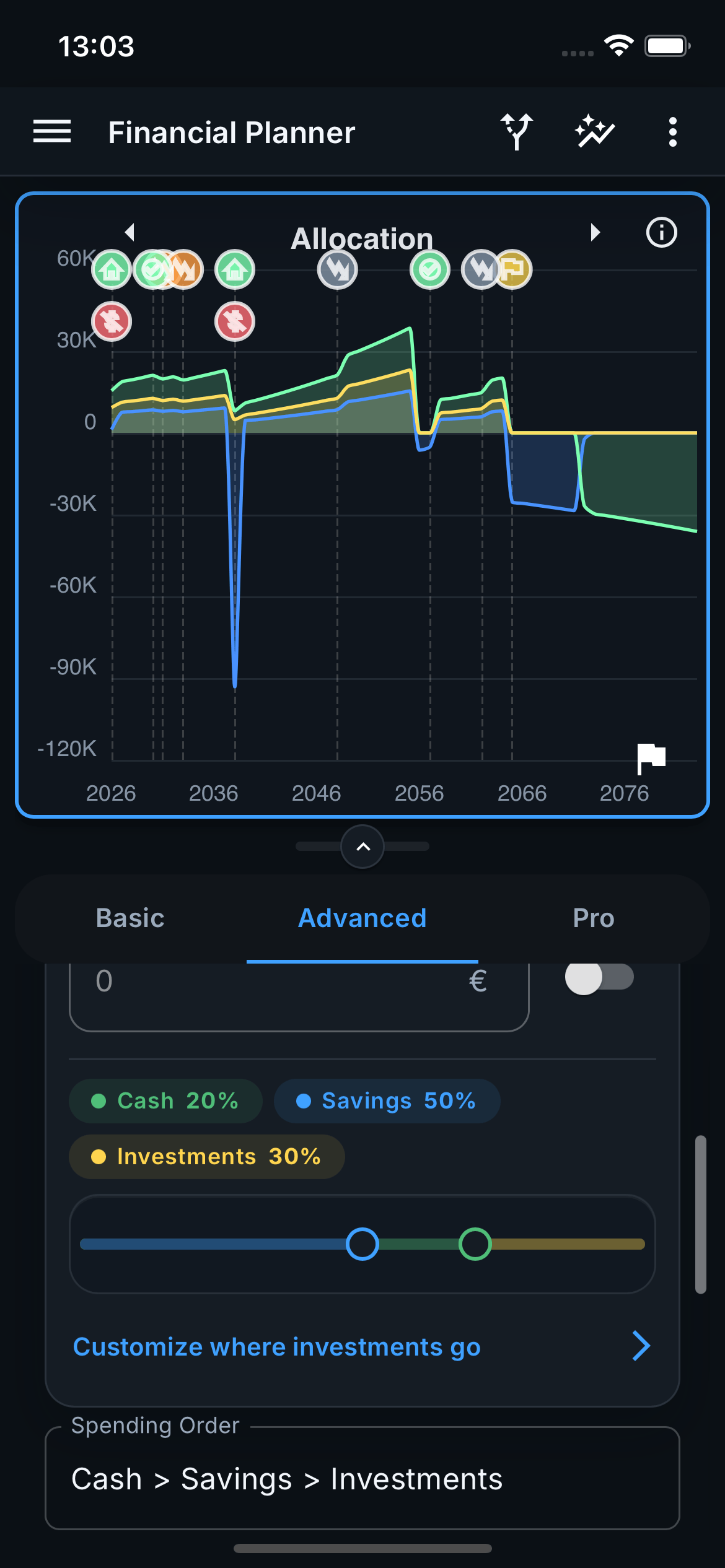
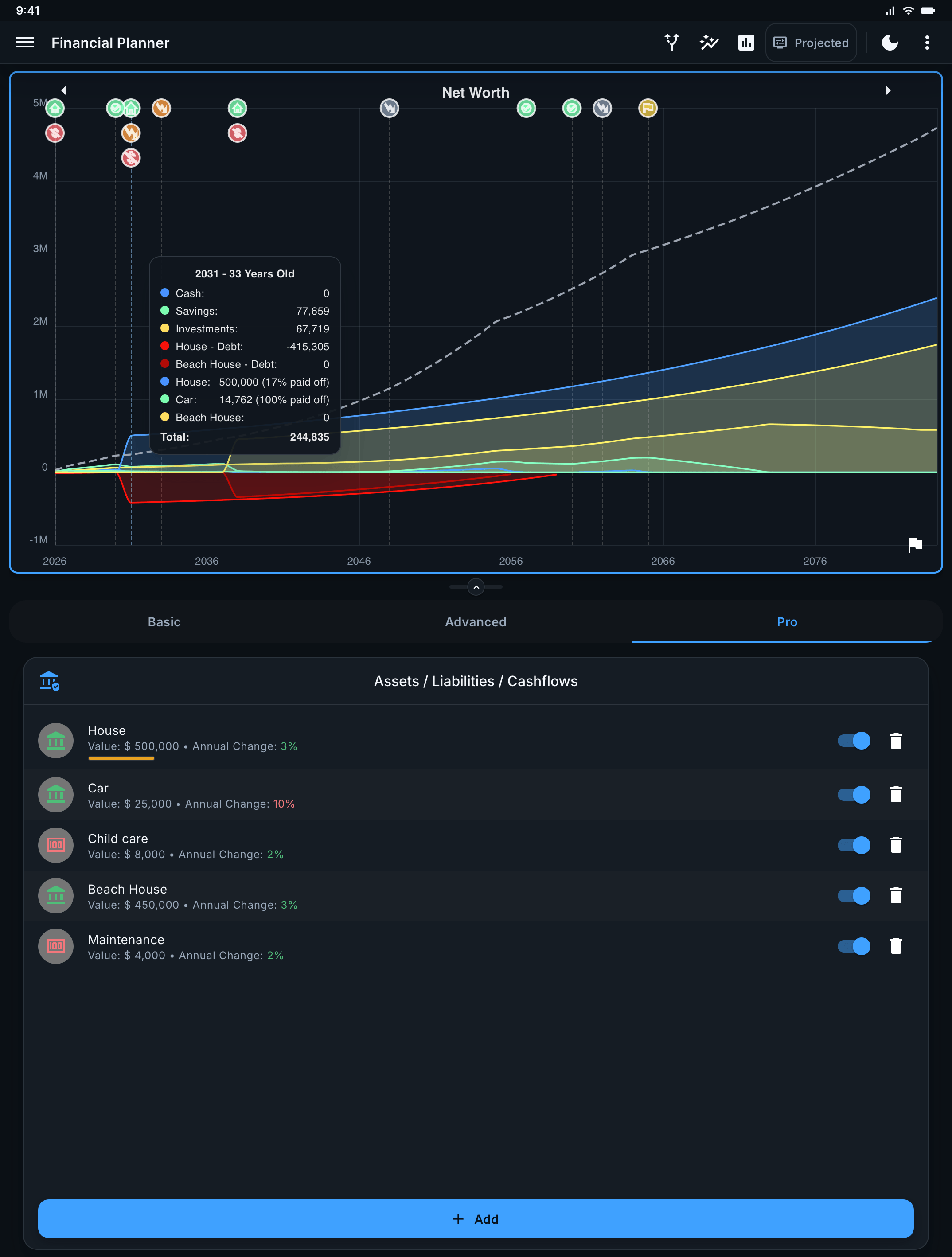
See how income, spending, assets, debt, and retirement assumptions shape your long-term net worth.
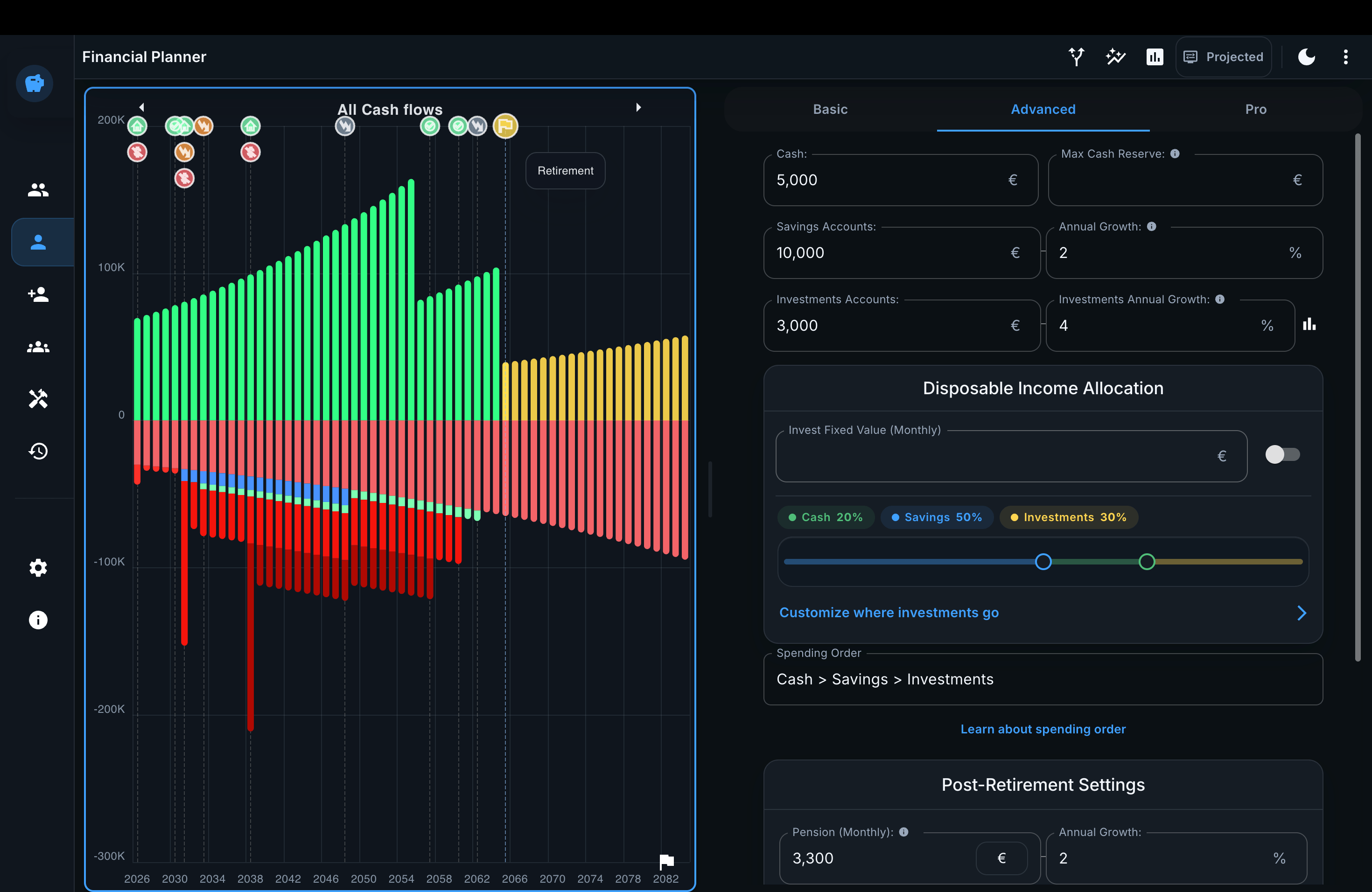
Powerful simulation, explained in terms of the decisions it helps you make.
Add future income, costs, purchases, assets, liabilities, and cashflows when they happen.
Project cash, investments, assets, debt, and net worth across your full planning horizon.
Use What-If mode to test a change against your current plan without overwriting it.
Use Monte Carlo analysis to see success probability and a realistic range of outcomes.
Combine multiple profiles to understand the choices you make together.
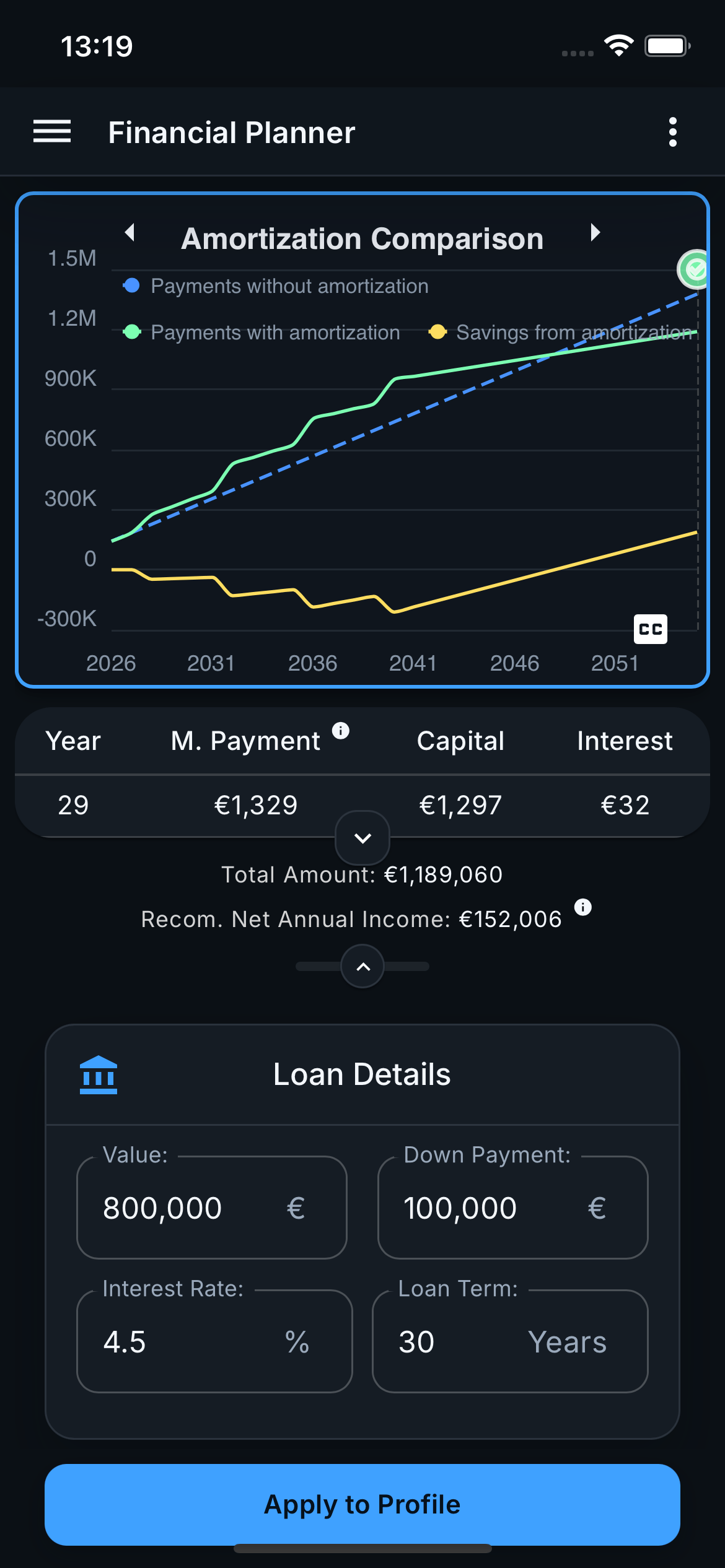
Compare mortgage terms and extra repayments by monthly cost, interest, and payoff date.
Test an earlier retirement date against your income, spending, pension, and investments.
Explore this scenarioSee how the deposit, mortgage, and ongoing costs affect the rest of your financial plan.
Explore this scenarioExplore how different monthly contributions could change your long-term options.
Explore this scenarioAdd your income, spending, savings, investments, assets, and debt.
Change retirement age, housing, income, contributions, or future costs.
Compare the outcome and stress-test it against uncertain market returns.
No. Prosper is a forward-looking financial simulator. It helps you model how retirement, housing, income, spending, debt, and investing decisions could affect your future rather than categorizing yesterday's purchases.
No. You enter the assumptions you want to model, so you can start without sharing bank credentials or importing transaction history.
Prosper is local-first, so your planning data stays on your device by default. Signing in does not upload it. If you explicitly enable Cloud sync in Preferences, Prosper syncs your planning data through your account. To recover it on another device, sign in there and enable Cloud sync.
Start with your own assumptions and see where they lead.
Try Prosper on the web